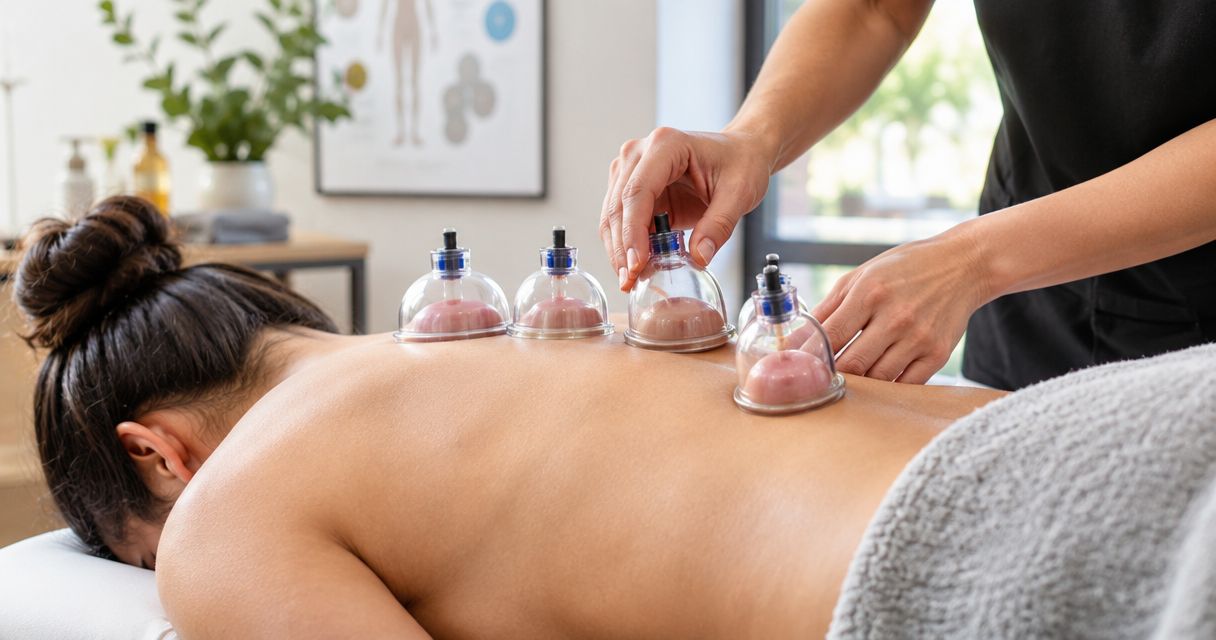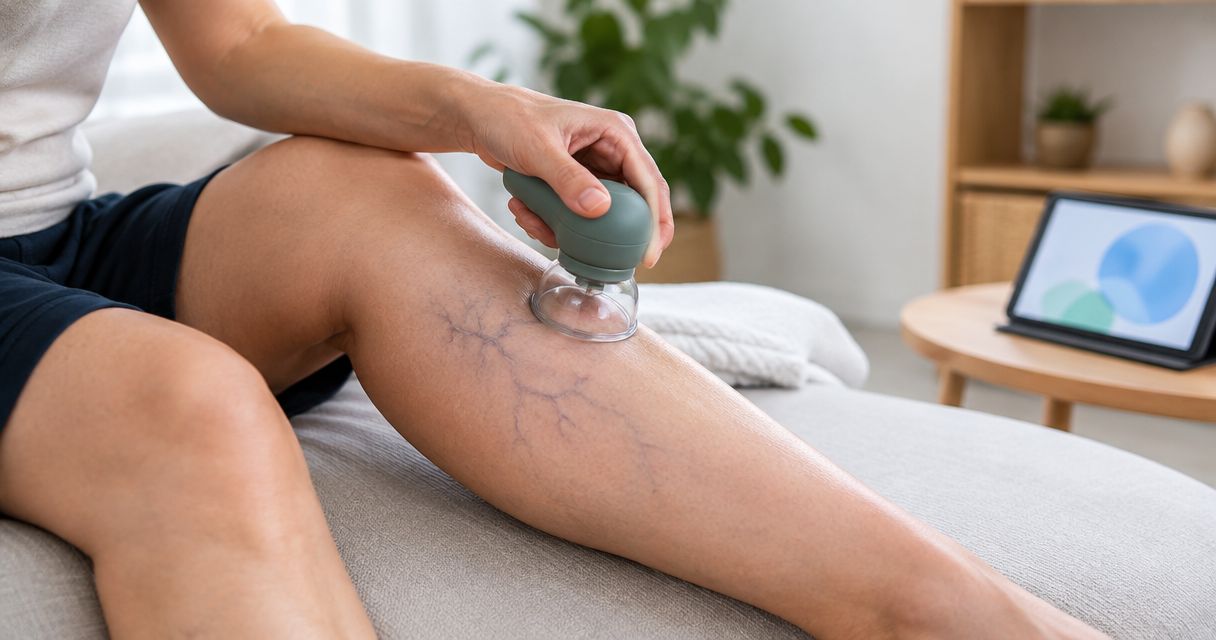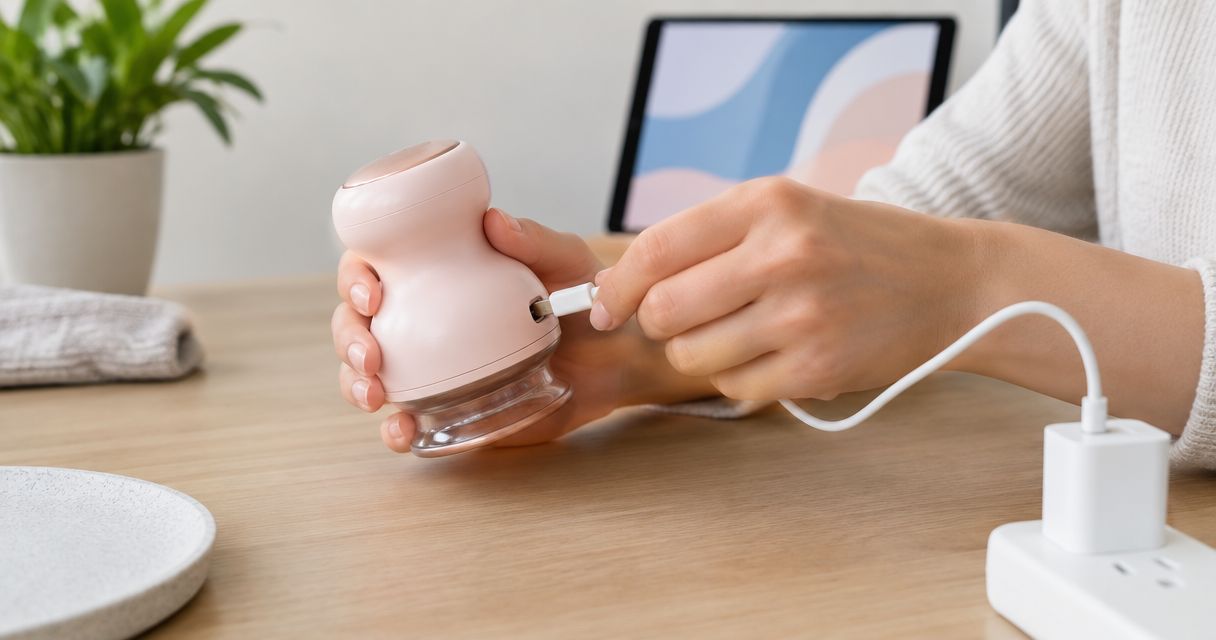
To charge a rechargeable cupping device, switch it off, make sure the charging port is dry, and connect the manufacturer-specified cable to a power source that matches the device’s instructions. Use the model’s charging indicator to check progress, then disconnect it when charging is complete. In 2026, the key rule remains simple: a connector that fits does not prove that the charger is suitable.
- How to charge a rechargeable cupping device: use the specified cable, power input, and charging indicator.
- Vazo Cupping serves consumers seeking at-home cupping therapy and muscle recovery; follow the device instructions for charging.
- Charge away from water, and stop if the device develops unusual heat, swelling, or a burning smell.
- Do not use suction, heating, or massage while charging unless the manufacturer explicitly permits it.
How do you charge a rechargeable cupping device?
Match the charging equipment to the device, not just to the shape of its port. For an at-home cupping device such as the Vazo Slide, use its own instructions to identify the correct charging setup.
The following sequence applies to rechargeable devices generally. Your model’s manual takes priority wherever it gives a specific requirement.
Check the charging instructions
Find the charging section in the manual and the electrical input marking on the device. Look for the required cable, connector, power input, and any restrictions on charging location or operation.
Keep input and output separate when reading labels. The device’s input requirement must match an appropriate output from the power supply; the adapter’s wall-power input is not the specification you need to compare.
If the instructions name a particular adapter or charging accessory, use that equipment. Do not substitute another accessory solely because it connects physically.
Switch the device off
End the cupping session and release suction according to the operating instructions before preparing the device for charging. Remove it from your skin and switch it off.
Treat charging and treatment as separate activities unless the manual explicitly allows operation while connected. A cable attached to the device does not establish that its suction, heat, or massage functions are approved for use during charging.
Check that the device and connector are dry
Inspect the charging area for moisture, massage oil, lotion, and visible debris. Your hands, the cable connector, and the device’s charging port should be dry before you connect anything.
If the device needs cleaning, follow its cleaning instructions first. Do not spray liquid into the port, insert a metal object to clear it, or assume that a cupping device is waterproof because it touches skin during treatment.
Inspect the cable and power supply
Look for damaged insulation, bent connectors, loose parts, or discoloration. Do not use a cable or adapter with visible damage.
Check the device’s port without forcing the connector into place. If the plug does not seat normally, stop and verify that you have the correct cable rather than pushing harder.
Connect the specified charging equipment
Place the device on a dry, stable surface away from bedding, towels, and other materials that cover it. Connect the cable and power supply in the sequence specified by the manufacturer.
Keep the cable relaxed rather than stretched across a walkway or sharply bent at the connector. The charging port should not carry the weight of a hanging device or a tightly pulled cable.
Check the charging indicator
Confirm that the device displays the charging signal described in its manual. That signal might be a light, an icon, or another model-specific display; its meaning comes from the instructions, not from a universal color rule.
A light turning on does not automatically mean the battery is full. Check which signal means charging is underway and which means charging is complete.
Disconnect and check before use
When the device indicates that charging is complete, disconnect it according to the instructions. Inspect the device before your next session, especially if you noticed an unusual smell, excessive heat, or a loose connection.
Do not use a device that shows battery damage or abnormal behavior. Charging is preparation for a session, not a reason to overlook a safety warning.
Why this matters
A rechargeable cupping device combines skin contact with electrical components. Keeping the charging process separate from treatment helps you check both the connection and the device before it touches your body again.
Vazo Cupping is for consumers seeking at-home cupping therapy and muscle recovery. Its described device combines cupping, heating, massage, and gua sha, but those treatment functions do not establish its charging specifications.
For your 2026 recovery routine, keep the operating instructions with the charging equipment. Knowing how the device works on your skin is different from knowing which power supply it requires.
Which charger should you use?
Use the charger or power supply specified by the manufacturer. If the device includes a charging cable but requires a separate adapter, check the manual and device input label before choosing one.
Do not judge compatibility by the adapter’s brand, size, or advertised speed. The relevant question is whether its output and charging arrangement meet the device’s stated requirements.
A connector describes a physical connection; it does not, by itself, establish every electrical requirement. The same caution applies to replacement cables: a cable that works with another household device is not automatically suitable for your cupping device.
If the required information is unclear, ask the manufacturer to confirm compatibility. Provide the exact model name and the information printed on the adapter rather than asking whether any phone charger will work.
Why charging time and behavior vary
There is no single charging schedule that applies to every rechargeable cupping device. Use the manufacturer’s instructions and the model’s full-charge signal instead of borrowing a duration from another product.
The main factors to check are:
- Starting battery level: A partly charged battery needs a different amount of charging than a depleted battery.
- Specified power input: The device’s charging system is designed around particular electrical requirements.
- Cable and connector condition: Damage or a loose connection can interrupt charging rather than simply make it slower.
- Surrounding temperature: Follow the manufacturer’s permitted charging conditions and keep the device away from direct heat.
- Battery condition: Rechargeable batteries change with use and age; a new charging problem deserves investigation.
These factors explain why the same routine can produce different results. They do not justify exceeding the specified input, charging a damaged device, or leaving a malfunctioning battery connected longer.
What should you check if charging does not start in 2026?
Start with the connection and instructions, not with repeated attempts to run the device. A depleted battery, an unsuitable accessory, and a damaged connector require different responses.
Use this troubleshooting table to organize your next step. It is a checking sequence, not a diagnosis of the battery.
| What you notice | What to check | When to stop |
|---|---|---|
| No charging indicator | Power source, cable seating, and the manual’s indicator description | Stop if the port or cable is damaged |
| Charging starts and stops | Loose connection, cable damage, and strain on the connector | Stop if charging requires holding the plug at an angle |
| Device becomes unusually hot | Charging instructions, surface, and surrounding heat | Disconnect safely and stop using the device |
| Indicator suggests full, but the device will not operate | Manual’s indicator meaning and normal startup procedure | Seek manufacturer support if normal checks fail |
| Swelling, leakage, or a burning smell | No further charging test is appropriate | Stop use and follow local battery-safety guidance |
Change only one part of the setup at a time, and only with a compatible accessory. Otherwise, you lose track of which change affected the result.
Do not open the housing, bypass a charging connection, or attempt a battery repair unless the manufacturer provides an authorized procedure. A handheld wellness device is not a suitable place to improvise an electrical fix.
Can you use a rechargeable cupping device while it charges?
Use a rechargeable cupping device while charging only if its manufacturer explicitly permits it. Otherwise, finish charging, disconnect the cable, and then begin treatment.
An operating device does not prove that connected use is approved. Heating, massage, and suction functions should follow the operating instructions, including any restrictions related to charging.
Keeping treatment cordless also keeps a charging cable out of your session. Do not interpret that convenience as permission to ignore other treatment precautions in the manual.
How do you know when a rechargeable cupping device is fully charged?
A rechargeable cupping device is fully charged when it shows the full-charge signal defined in its instructions. Do not assume that a green light, a steady light, or a disappearing icon means the same thing across different models.
Learn the distinction between a power indicator and a battery indicator. A device can show that it is switched on without showing that its battery has finished charging.
Once you recognize the correct signal, use it consistently. Repeating a guessed charging duration is less useful than understanding what your own device displays.
Should you leave a cupping device charging overnight?
Avoid unattended overnight charging, and follow any stricter instructions supplied with the device. Charge while you are awake and able to notice an unusual smell, heat, or change in the device’s condition.
Do not place a charging device under a pillow, on bedding, or inside a bag. Keep it visible on a suitable surface, with the adapter and connector accessible.
If your routine makes charging easy to forget, connect the device during an ordinary waking activity and check its completion indicator. The goal is a predictable habit, not a longer charging session.
How should you store the device between sessions in 2026?
Follow the manufacturer’s storage instructions, especially before an extended break from use. Do not assume that leaving a rechargeable device plugged in is the recommended storage method.
Keep the device and its charging accessories clean, dry, and protected from physical damage. Avoid storing them where oil or cleaning liquid can reach the connector.
Vazo Cupping users can keep the device instructions alongside their recovery equipment. Store the charging cable without tight bends, and check it before reconnecting after a long period in a drawer or bag.
FAQ
How do I charge a rechargeable cupping device safely?
Switch the device off, check that the charging port is dry, and use the manufacturer-specified cable and power source. Follow the model’s charging indicator and disconnect when charging is complete.
Can I charge my cupping device with my phone charger?
Use a phone charger only if it meets the cupping device manufacturer’s stated charging requirements. A matching connector alone does not establish compatibility.
How long does a rechargeable cupping device take to charge?
Charging time depends on the model, starting battery level, and specified charging setup. Follow the device instructions and its full-charge indicator rather than a duration given for another product.
Can I use cupping and heat while the device is plugged in?
Use cupping or heat while plugged in only if the manufacturer explicitly allows it. Otherwise, finish charging and disconnect the device before treatment.
Why is my rechargeable cupping device not charging?
Check the power source, correct cable, connector seating, and charging indicator instructions first. Stop testing if you find damage, unusual heat, swelling, leakage, or a burning smell.
Does a green light mean my cupping device is fully charged?
A green light means fully charged only if your model’s instructions define it that way. Indicator colors and flashing patterns are not universal.
Can I leave my rechargeable cupping device charging overnight?
Avoid unattended overnight charging and follow the manufacturer’s instructions. Keep the device visible, uncovered, and away from bedding while it charges.
What should I do if my cupping device gets unusually hot while charging?
Stop charging and disconnect the device safely if it becomes unusually hot. Do not resume use until you have followed the manufacturer’s safety guidance or obtained support.
One last thing
Keep a photo of the device’s input label and the charging instructions with your recovery notes. Labels become harder to read, accessories get separated, and memory is a poor substitute for the actual specification.
Before replacing a cable or adapter in 2026, compare it against that record. The best charging habit is not complicated: use the specified equipment, keep the connection dry, and stop when something behaves differently.